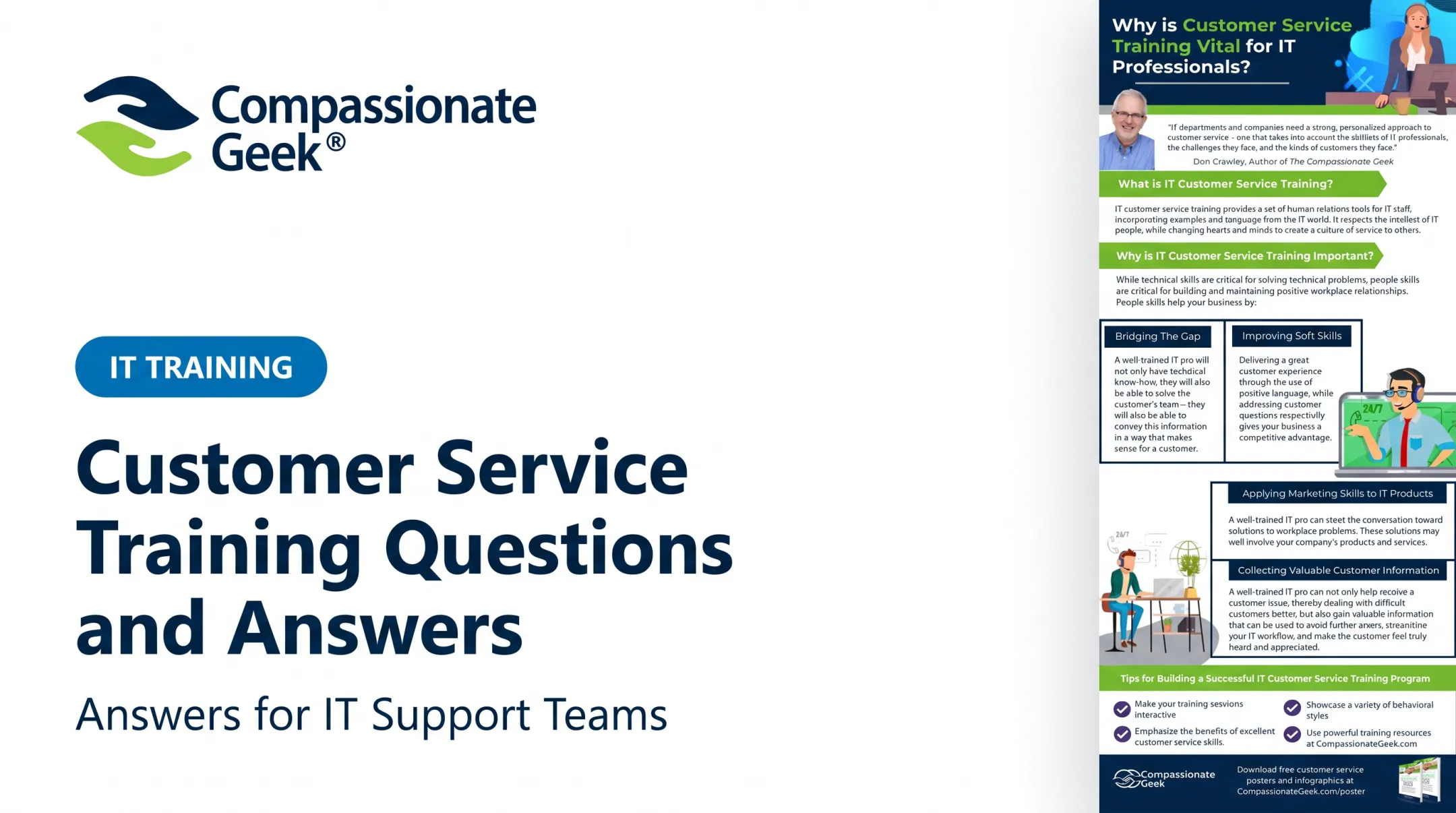

Maybe the fix was technically flawless. But if the technician didn't listen first, explain clearly, or acknowledge the customer's frustration, the interaction still failed. The user walks away remembering how the conversation felt, not just whether the printer works again.
This guide covers soft skills training for IT customer service: the interpersonal behaviors that let support professionals solve technical and human problems at the same time. We'll use a five-principle framework, competence, compassion, empathy, listening, and respect, and cover the skills themselves, how to practice them, and how to measure whether training actually changes behavior.
Key Takeaways
- Technical knowledge closes the ticket; soft skills determine whether the customer trusts the IT team afterward.
- Active listening, empathy, clear communication, patience, and problem-solving turn support staff into trusted problem-solvers.
- Scenario-based practice beats passive courses and one-time presentations for building real behavior change.
- Strong programs assess observable behaviors, give specific feedback, and reinforce learning through daily coaching.
What Are Soft Skills in IT Customer Service—and Why Do They Matter?
Soft skills are the interpersonal, communication, and behavioral capabilities that shape how IT professionals interact with users, colleagues, managers, and customers. They sit alongside hard skills like troubleshooting, system administration, ticketing-tool proficiency, and cybersecurity knowledge, but they aren't interchangeable with them.
A technician can know exactly how to fix a VPN authentication error, reset broken permissions, or diagnose a failing hard drive. That's competence. Whether the customer feels respected and informed during the process is a different skill set entirely.
IT support creates unique communication pressure. Consider three common scenarios:
- A teacher whose grading software crashes the night before report cards are due
- A vice president locked out of email minutes before a board presentation
- A nurse fighting a malfunctioning patient portal mid-shift
None of these people care about root cause analysis in the moment. They're anxious, they lack technical vocabulary, and they may already believe the technician isn't really listening.
That anxiety is measurable. In HDI's State of Tech Support in 2025 survey, 55% of respondents said they struggled to find candidates with the necessary soft skills, compared to 39% who cited gaps in hard skills.
Hiring managers aren't struggling to find people who can troubleshoot. They're struggling to find people who can also communicate.
Stronger soft skills translate into practical outcomes:
- Clearer requirements gathered on the first contact
- Fewer misunderstandings that turn into repeat tickets
- Realistic expectations set up front, reducing frustration later
- Smoother escalations because context transfers cleanly between teams
- Higher user trust in IT overall, not just in one technician
HDI's research on IT professional development backs this up directly: communication skills help build rapport and shape user perceptions of the entire IT function, not just the outcome of a single ticket.
Five Essential Soft Skills for IT Customer Service
Compassionate Geek's five principles — competence, compassion, empathy, listening, and respect — offer a practical framework here. Each one only matters if it shows up as an observable workplace behavior, not a value statement on a poster.
Active Listening and Thoughtful Questioning
Technicians often jump to a familiar diagnosis before they've confirmed the actual problem. That's fast, but it's frequently wrong.
Effective listening looks like:
- Letting the user finish their explanation without interrupting
- Paraphrasing the issue back before proposing a fix
- Asking open questions like "Can you tell me more?" before closed ones
- Identifying the business impact, not just the technical symptom
- Confirming what outcome the user actually needs
Compare two responses to "Nothing ever works on this laptop!" A rushed technician hears a vague complaint and starts a generic reboot script. A technician using active listening says, "It sounds like this has been going on for a while. Tell me what happened today," then gathers the missing context before touching anything.

Interrupting doesn't just frustrate customers — it usually means you're solving the wrong problem, so the ticket takes longer.
Empathy and Emotional Intelligence
Empathy means recognizing the stress caused by lost access, unexpected outages, security alerts, or unfamiliar technology, without absorbing the user's frustration personally.
That looks like acknowledging impact before jumping to the fix: "I understand this means you're going to miss your deadline" comes before "Here's what we're going to try next." Naming the consequence, without assigning blame, tells the customer they've been heard.
Empathy isn't the same as agreeing with every technical assumption a customer makes. A user might insist the network is down when it's actually their local Wi-Fi adapter. The goal is to validate the experience ("I can see why that felt like a network issue") while still investigating the facts.
In Compassionate Geek training, emotional intelligence often predicts job success more reliably than technical skill alone — because it decides whether the customer relationship survives a bad day.
Clear, Audience-Appropriate Communication
Translating technical causes, risks, timelines, and next steps into plain language is its own skill, separate from understanding the technical issue itself.
Practical techniques:
- Replace jargon with plain language ("the authentication server" becomes "the system that checks your password")
- Use teach-back questions: "Just to confirm, what's your understanding of what happens next?"
- Keep written updates in tickets, email, and chat concise, with clear ownership statements and realistic time expectations
A ticket note that says "Escalated to Tier 2, will update by 3 PM" does more for customer trust than a technically accurate but vague "investigating further."
Patience, Respect, and De-escalation
Respect has two parts: how a technician feels about the customer, and how they behave toward them. The behavior is what the customer actually experiences.
Patience and respect protect the relationship when users repeat information, misread instructions, skip a step, or get angry. De-escalation behaviors include:
- Keeping a calm, even tone regardless of the customer's volume
- Avoiding defensiveness when blamed for something outside your control
- Acknowledging the inconvenience directly, without over-apologizing
- Setting boundaries respectfully if the conversation turns abusive
- Redirecting toward the next useful action
Scenario: A user has failed the same password reset three times during a system-wide outage and is now yelling. A technician who preserves dignity says, "I hear how frustrating this is, especially with everything else going on right now. Let's try one more thing, and if it doesn't work, I'll escalate this immediately." The tone stays calm; the action keeps moving forward.
Collaborative Problem-Solving and Accountability
IT customer service rarely happens in isolation. Resolving one ticket might require the service desk, infrastructure team, a vendor, and a business stakeholder, all coordinating behind the scenes.
Ownership behaviors that matter:
- Documenting accurately so the next person doesn't ask the customer to repeat themselves
- Communicating handoffs clearly, including what's already been tried
- Following up when you said you would, even if there's no update yet
- Escalating with full context instead of a bare ticket number
The customer's experience of collaboration is simple: they shouldn't have to explain their problem five times to five different people.
Practice Soft Skills Through Real IT Support Scenarios
Soft skills improve through deliberate practice and feedback, not through definitions memorized for a quiz. A completion certificate proves someone watched a video. It doesn't prove they'll stay calm during a live outage call.
Build scenarios around real IT moments, such as:
- An employee locked out of a critical system before a deadline
- A customer confused by a technical explanation they can't follow
- A user affected by a wider outage, asking when it'll be fixed
- A stakeholder demanding a resolution time that isn't realistic
For each scenario, define:
- The target behavior
- The customer's likely emotional state
- The technician's communication objective
- The specific language or action that demonstrates success
Running Role-Play Practice
The format is simple and doesn't require special software:
- Pair off, with one person as the customer and one as the technician
- Run the scenario for about three minutes
- Have the customer give direct feedback to the technician
- Switch roles and repeat
A third person can observe against a short behavior checklist, watching for interruptions, paraphrasing, and de-escalation language.
Feedback should describe the observed action and its impact, then offer one alternative, not a judgment about the technician's personality. "You interrupted twice before the customer finished explaining, which likely made them repeat themselves," lands better than "You're not a good listener."
For added realism, use anonymized support tickets, chat transcripts, or post-incident reviews as source material.
If you want to use recorded calls, check consent requirements first. Recording rules genuinely differ by state, and a "may be monitored" notice does not automatically cover recording in every jurisdiction.
How to Build an IT Soft Skills Training Program
A soft skills program works best as a continuous cycle: assess, prioritize, teach, practice, coach, measure, and reinforce. Skipping straight to "teach" is the most common mistake.

Assess Current Behaviors and Training Needs
Gather evidence from multiple angles: customer feedback, ticket reviews, escalation patterns, manager observations, and self-assessments from the IT staff themselves.
Separate knowledge gaps from behavior gaps. A technician who can't diagnose a hardware failure has a knowledge gap. A technician who diagnoses it correctly but never explains the timeline has a behavior gap. Those require different fixes.
Baseline metrics worth tracking:
- Interruption frequency during calls
- Clarity of next-step communication
- Quality and completeness of ticket notes
- Follow-up consistency on promised updates
- De-escalation technique during difficult interactions
Set Role-Specific Learning Objectives
A service desk representative, a field technician, and an IT manager need different objectives, even under the same five-principle framework.
Write objectives as behaviors, not vague aspirations:
- Specific: "Confirm the user's business impact before proposing a fix"
- Vague: "Be more empathetic"
Align each objective with your organization's customer service standards and the competence, compassion, empathy, listening, and respect framework.
Combine Training Formats
No single format builds soft skills alone. A blend works better:
- Short online lessons for core concepts
- Instructor-led or virtual workshops for discussion
- Role-play for applying the concept under pressure
- Coaching for individualized feedback
- Microlearning as ongoing reminders
This blend matters most for shift work, remote teams, distributed IT departments, and MSP environments where getting everyone in one room isn't realistic.
Compassionate Geek supports that model with an on-demand training portal and virtual live-video sessions, so individuals or groups can work through the five-principle curriculum on their own schedule.
Coach Through Observation and Feedback
Supervisors need training too—especially on feedback tied to a specific behavior, situation, and customer impact rather than a general impression.
Run regular calibration sessions: managers review sample interactions together and agree on what "good listening" or "clear communication" looks like in practice. That keeps feedback consistent across the team.
Treat recognition as part of coaching, not an extra:
- Call out strong customer service behavior in the moment
- Tie praise to the same standards used for corrections
- Signal that interpersonal skill is core IT performance, not an afterthought
Reinforce Learning in Everyday Workflows
Training sticks when it shows up in daily work, not just in a workshop. Add soft skills prompts to:
- Ticket templates and quality reviews
- Team meetings and one-to-one conversations
- Onboarding plans and incident retrospectives
Simple discussion questions work well: "What did the customer actually need to understand?" or "Where could we have set expectations earlier?"
Leadership modeling counts just as much. Managers who stay calm, accountable, and respectful in tense moments set the standard everyone else follows.
Measure Progress and Sustain Customer Service Improvement
Completion rates and quiz scores tell you who finished the course. They don't tell you whether anyone changed how they talk to customers.
Combine two types of indicators:
| Leading indicators (activity/learning) | Customer-facing indicators (outcomes) |
|---|---|
| Practice participation rates | Satisfaction feedback (CSAT) |
| Coaching observation notes | Complaint themes |
| Ticket-quality reviews | Repeat contact rates |
| Self-assessment scores | Escalation frequency |
Research from the Association for Talent Development found that 87% of organizations struggle to isolate the specific impact of training on business outcomes, according to ATD's research on training evaluation. That finding holds across industries, not only IT.
Use it as a reality check before promising leadership a clean before-and-after number. Pair learning activity with customer-facing outcomes instead of treating completion data as proof of behavior change.
HappySignals and ISG's enterprise IT benchmark shows why the customer side matters. Support personnel's attitude accounted for 20.5% of factors employees selected when rating an IT incident, and how well the case was explained accounted for another 15.7%, based on the HappySignals/ISG Global IT Experience Benchmark.
Those figures reflect what users notice. They do not prove a single training program caused the shift—so track both leading and outcome indicators over time.

Review and coach from the data:
- Slice results by team, role, and interaction type
- Spot skill gaps (for example, strong listening scores but weak written communication on a service desk)
- Assign targeted coaching instead of a blanket "do better" message
- Recheck CSAT, repeat contacts, and escalations on a fixed cadence
Sustained improvement comes from technical competence plus compassion, empathy, listening, and respect—practiced on live tickets, not only cited in a deck. Treat measurement as an ongoing habit. Teams that want a formal culture framework can use the Compassionate Geek Certified Company program to lock in that commitment.
Frequently Asked Questions
What are 5 examples of soft skills?
Active listening, empathy, clear communication, problem-solving, and patience are five core soft skills. In IT support, that might look like confirming a user's issue before proposing a fix instead of assuming the diagnosis.
What soft skills are needed in IT customer service?
IT support relies on listening, empathy, respectful communication, patience, de-escalation, collaboration, accountability, and the ability to simplify technical information for non-technical users.
How do you train IT support staff in soft skills?
Start with a needs assessment, deliver short lessons on core concepts, then reinforce through realistic role-play, coaching, and regular interaction reviews. Daily workflow reminders keep the skills active rather than a one-time event.
Why are soft skills important for IT support professionals?
Soft skills improve how well technicians understand the real problem, set accurate expectations, and collaborate across teams. They shape whether a stressed customer trusts IT during a difficult technical moment.
How can IT professionals practice customer service skills?
Role-play exercises, ticket and call reviews, peer feedback sessions, de-escalation drills, and teach-back practice all build these skills. Coaching based on specific observed behaviors reinforces what's working.
How do you measure the effectiveness of soft skills training?
Track learning measures (quiz scores, completion), behavior measures (coaching observations, ticket quality), and outcome measures (customer satisfaction, complaint themes, escalation rates). Combining all three gives a more honest picture than completion rates alone.