: An IT Guide](https://file-host.link/website/compassionategeek-b0tibp/assets/refined-images/1791193332974000_25603fb470ba4ec4ba0e857ecbb2a384/2x_360.webp)
Introduction
A password reset ticket rarely starts as an emotional event. But when a user has tried three times, missed a deadline, and finally reaches a technician who sounds rushed or dismissive, the technical problem becomes a trust problem. That shift happens constantly in IT support.
Conflict resolution training for customer service in IT teaches technicians to handle both the technical fix and the human reaction to it. Unlike generic customer service coaching, it targets the friction points of help desk work: outages, access denials, security policies, and jargon that leaves users confused rather than reassured.
Left unaddressed, those moments drive repeat tickets, escalations, and lasting distrust in the support team. This guide walks through a practical seven-step framework, common IT conflict scenarios, how to design training that sticks, and how to measure whether it is working.
Key Takeaways
- Effective IT conflict resolution blends technical competence with empathy, active listening, and clear communication.
- Prioritize understanding impact and agreeing on a realistic next step over winning the argument.
- Role-play, coaching, and escalation rules teach conflict resolution better than lectures alone.
- Track both operational results and the quality of the human interaction.
Why IT Customer Service Conflicts Require Specialized Resolution Skills
Standard customer service training assumes a straightforward complaint-and-resolution path. IT support rarely works that way. Password resets alone made up roughly three in ten support-center tickets in one HDI survey of IT professionals, and each of those routine requests can carry wildly different stakes depending on who's asking and why.
Consider two identical password reset requests. A marketing intern locked out of their account can shift to another task while waiting. A CFO locked out five minutes before a board meeting cannot. Same ticket type, completely different pressure, and completely different conflict potential.
Several conditions unique to IT create this dynamic:
- Outages where users don't know if IT is even aware of the problem
- Access restrictions that feel arbitrary or punitive to the person requesting them
- Security controls that block a legitimate-feeling business need
- Recurring tickets where the same issue keeps returning despite "fixes"
- Technical jargon that leaves users guessing at what was actually done
Support staff face their own pressure too. They may feel compelled to defend a system, a policy, or a prior troubleshooting decision, especially when a user implies the technician made a mistake. That defensiveness, even when subtle, escalates conflict rather than resolving it.
The Five Principles Behind Effective IT Support
Compassionate Geek's training philosophy rests on five principles that apply directly to conflict situations: Competence, Compassion, Empathy, Listening, and Respect.
Technical competence matters first. No amount of warmth compensates for a technician who genuinely doesn't understand the system. Competence alone still isn't enough:
- Competence solves the real technical problem
- Listening uncovers what the user is actually experiencing
- Empathy acknowledges the business and emotional impact
- Compassion guides a constructive response under pressure
- Respect keeps the exchange from turning into a power struggle
Used together, these principles build enough trust to de-escalate tension before the ticket becomes a confrontation.
A Seven-Step Conflict Resolution Framework for IT Customer Service
This framework gives frontline staff a repeatable sequence for tense interactions, whether the conversation happens by phone, chat, or in person.
- Prepare and stay calm. Before responding, pause and take a breath. Checking your own assumptions first prevents defensive language from slipping into your first sentence.
- Listen without interrupting. Let the user finish describing the problem before jumping to a solution. Interrupting signals that you've already decided what's wrong.
- Acknowledge the impact. Name what the disruption is costing them — a missed deadline, lost time, public embarrassment in a meeting — before discussing the fix itself.
- Clarify the issue. Ask what the user expected to happen and how the issue is affecting their work right now. These two questions surface both the technical facts and the human stakes.
- Explain options plainly. Skip the jargon. Describe technical limitations, security requirements, or maintenance windows in language a non-technical person can act on.
- Agree on the next action. State exactly what happens next and by when — not a vague promise, but a specific commitment.
- Follow up. Confirm the fix actually held. A ticket marked resolved that gets reopened days later does more damage to trust than the original problem did.

Regulating Your Own Response
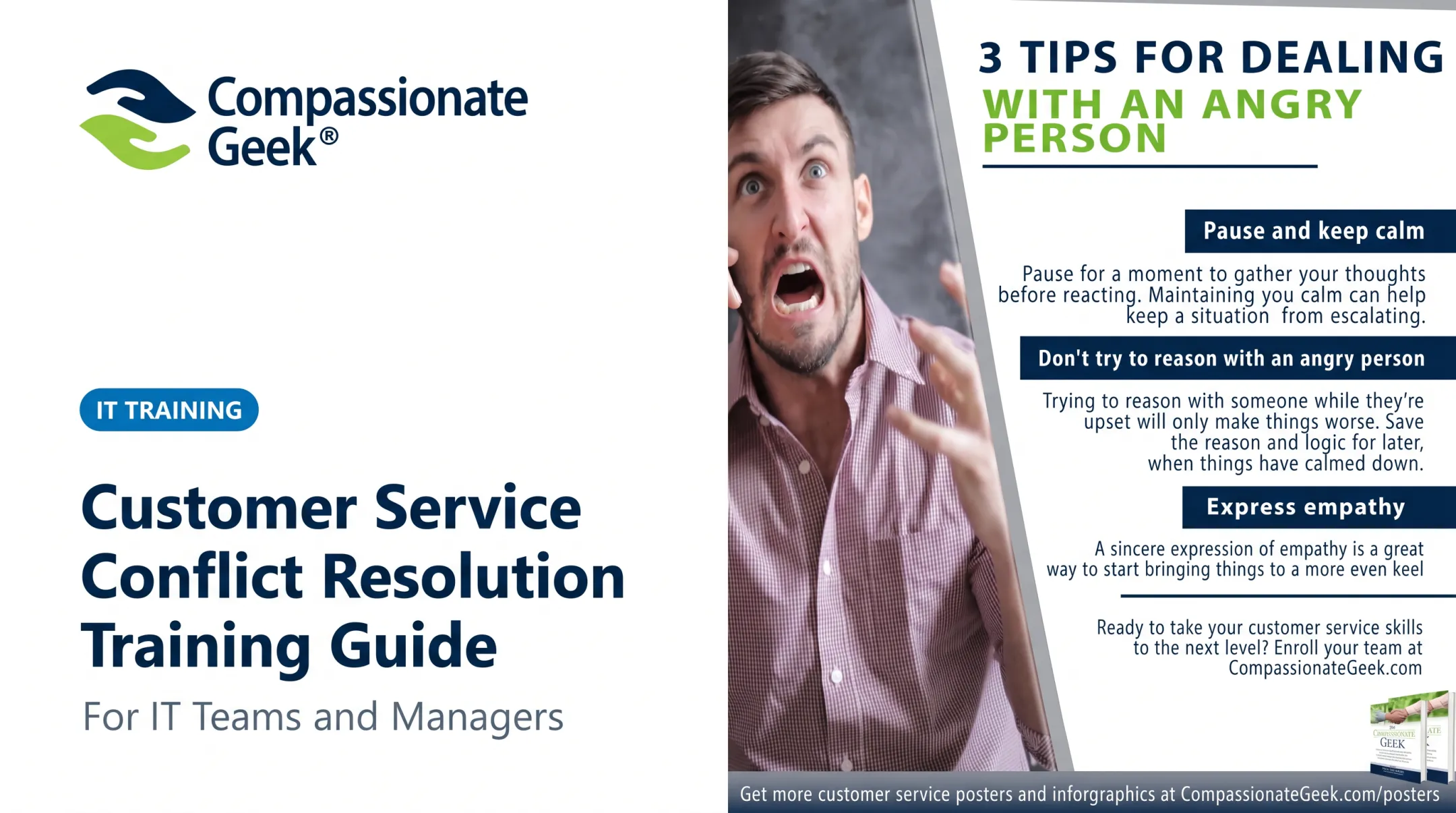
When a user is angry, the instinct to defend a decision is strong. Pausing before replying — even for two seconds — interrupts that instinct.
Swap defensive lines for plain explanations:
- Avoid: "That's not how it works."
- Use: "Here's what's happening and why."
Empathy Without Overpromising
Validate frustration without locking yourself into an outcome you can't deliver. "I understand this is delaying your work" acknowledges impact. "I'll have this fixed in ten minutes" — when you don't know that yet — sets up a second, worse conflict.
One phrase to avoid entirely: "I know how you feel." It tends to minimize the person's experience rather than validate it.
Common IT Customer Conflict Scenarios and How to Respond
Generic advice falls apart against specific situations. Here's how the framework applies to four scenarios that show up constantly on IT help desks.
Outage or Service Disruption
Users facing an outage usually want three answers: Does IT know about it? How can I keep working? When will it be fixed?
Respond with verified facts only:
- Acknowledge the operational impact immediately
- Share confirmed information only; never speculate to fill silence
- Describe the current workaround
- Give a realistic next-update time (for example, "I don't have a root cause yet, but I'll update you by noon")
Access or Permissions Dispute
When a user pushes back on a denied request—restricted resource access, an unauthorized software install, or use of a colleague's device—explain why the control exists.
Stay inside policy:
- Don't bypass rules just to end the conversation
- Offer the correct approval path
- If business impact is genuinely urgent, escalate by procedure rather than making an on-the-spot exception
Recurring Technical Problem
Nothing frustrates users faster than repeating a story they've already told three times. Before the call, review the ticket history yourself.
Then own the next step:
- Recognize out loud that previous fixes didn't hold
- Assign clear ownership for root-cause investigation
- Commit to a specific progress update
Jargon or Expectation Gap
A common gap: a user hears "remote support" and expects an instant fix. In practice, it means a technician connects via Zoom, Teams, or a remote-control tool on their schedule.
Restate what the service actually includes in plain terms, then agree on what happens next.
How to Build Conflict Resolution Training for an IT Support Team
Lecture-based training rarely changes behavior on its own. One documented IT support training program found only a marginal satisfaction bump after a straightforward etiquette-and-listening session. The real gains came from practice, not slides.
Design Around Real Scenarios
Build training around your organization's actual tickets, not generic customer service examples:
- Outages and SLA pressure
- Security refusals and access disputes
- Executive escalations
- Frustrated repeat callers
- Communication across phone, chat, email, and ticketing systems
Use Rotating Role-Play
Have trainees rotate through customer, technician, and observer roles. Observers take specific notes on tone, questions asked, empathy statements, and whether ownership of the next step was clear. After debriefing, repeat the scenario and check whether the interaction improves.

Pair Training With Operational Support
Training sticks better when it's backed by real tools:
- Escalation matrices and authority limits
- Approved language for common refusals
- Knowledge-base guidance for recurring issues
- Incident communication templates
- Manager coaching after difficult calls
Compassionate Geek's on-demand courses and virtual live-video sessions target this same gap: IT-specific customer service, emotional intelligence, and active listening, not retail-style scripts that fail on a help desk.
Individual seats start at $299, with volume discounts for larger teams, and a Group Management Console included free with two or more seats. Some teams also pursue the Compassionate Geek Certified Company program as a broader culture initiative, though that step is optional rather than a training requirement.
How to Measure Training Quality and Sustain the Skills
Ticket closure speed alone tells you almost nothing about whether conflict resolution training is working. MetricNet's 2023 multinational service-desk benchmark found average first-contact resolution around 70.2%, a useful operational baseline that still says nothing about whether the user left the call actually satisfied.

Track both categories:
| Operational Measures | Interaction-Quality Measures |
|---|---|
| Repeat contacts and reopened tickets | Listening (did the tech ask clarifying questions?) |
| Escalation frequency | Empathy (was impact acknowledged?) |
| Complaint themes | Ownership (was a clear next step given?) |
| Resolution progress against SLA | Respectful boundary-setting (were limits clear without blame?) |
A fast close that leaves the user confused, or that reopens the same ticket next week, isn't a win. It's a delayed conflict.
A Continuous-Improvement Cycle
- Review anonymized tickets and call recordings where permitted to spot real conflict patterns
- Identify recurring triggers (same policy, same phrasing, same escalation point)
- Practice targeted responses to those triggers in short coaching reps
- Coach privately rather than correcting someone in front of the team
- Update knowledge-base articles or procedures from what you learn
Formal reviews still miss culture. When leaders walk the floor and talk with frustrated users (management by wandering around), they often catch issues ticket metrics never show.
Frequently Asked Questions
What are the 7 steps in conflict resolution?
The IT-specific path is: prepare and stay calm, listen without interrupting, acknowledge the impact, clarify the issue, explain options plainly, agree on the next action, and follow up. Start with self-regulation and listening; finish with a documented, realistic resolution.
Where can I find training on conflict resolution in customer service?
Look for IT-specific on-demand courses, virtual instructor-led sessions, and internal role-play paired with manager coaching. Compassionate Geek offers on-demand and live-video training built specifically around IT customer service and interpersonal skills, rather than generic retail-style programs.
What are the 5 C's of conflict resolution?
A practical five-principle framework covers Competence, Compassion, Empathy, Listening, and Respect. In practice: know the system, care about the impact, validate the frustration, ask before assuming, and stay professional even when the user isn't.